
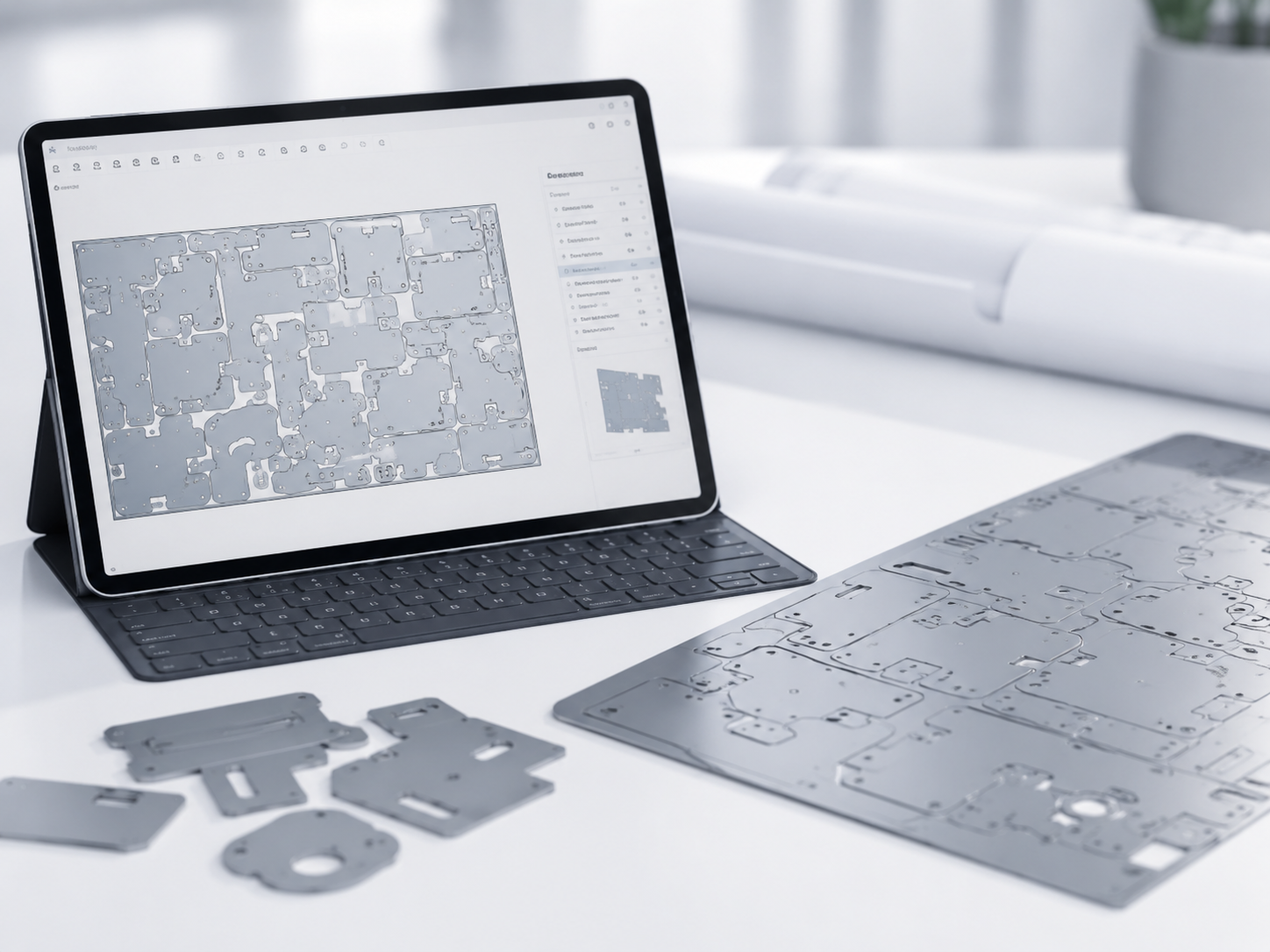
CAM2000S offers extensive possibilities for positioning multiple parts as efficiently as possible across one or more sheets. Different parts and quantities can be loaded at the same time. With the automatic nesting module, CAM2000S searches for an optimal layout based on material usage, cutting time and defined production conditions.
Automatic nesting can take into account:
CAM2000S can calculate several nesting solutions and then select the most interesting option based on the total cost, taking both cutting time and material waste into account. Existing skeleton sheets or remnants can also be reused to fill remaining free areas.
In addition to fully automatic nesting, users can also position and optimise parts manually. CAM2000S includes functions for:
With the BUMP function, a part can easily be placed against another part. CAM2000S automatically positions it at the defined minimum distance, even in complex corners. Automatic and interactive nesting can also be combined. For example, larger parts can first be positioned manually, after which CAM2000S automatically fills the remaining space with smaller parts.
CAM2000S also offers several advanced cutting strategies to further reduce cutting time and optimise material usage, including:
After nesting, CAM2000S can also automatically determine the optimal cutting sequence. The software takes the position of inner and outer contours into account, ensuring that parts located inside other contours are cut first. Lead-ins and lead-outs can be added automatically, and CAM2000S checks that they do not interfere with other parts. If not all parts fit on one sheet, work can continue immediately on the next sheet while the remaining quantities are updated automatically.